Need help? Reach us at 

 +1 (855) 418-2323
Need help? Reach us at
+1 (855) 418-2323

 File Converters TIFF and PDF apps Forensic Freeware
CDA (Compact Disc Audio) and MP3 are two prevalent audio formats used for storing music digitally. While CDA is the standard format found on audio CDs, MP3 offers compressed audio files that are widely compatible with various devices and software platforms.
(includes 30 day FREE trial)
(only $59.90)
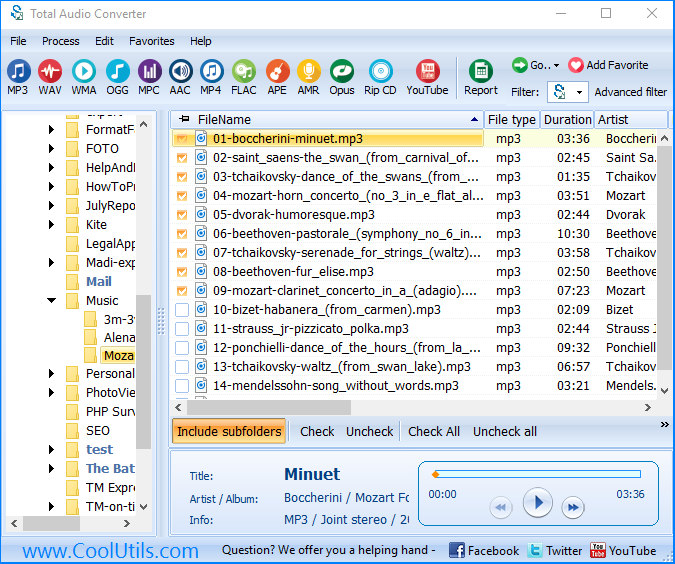
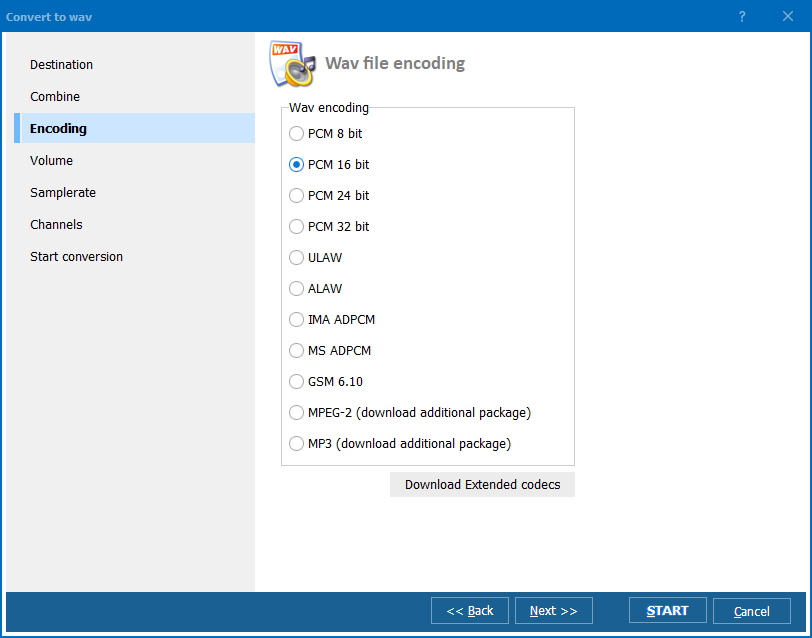
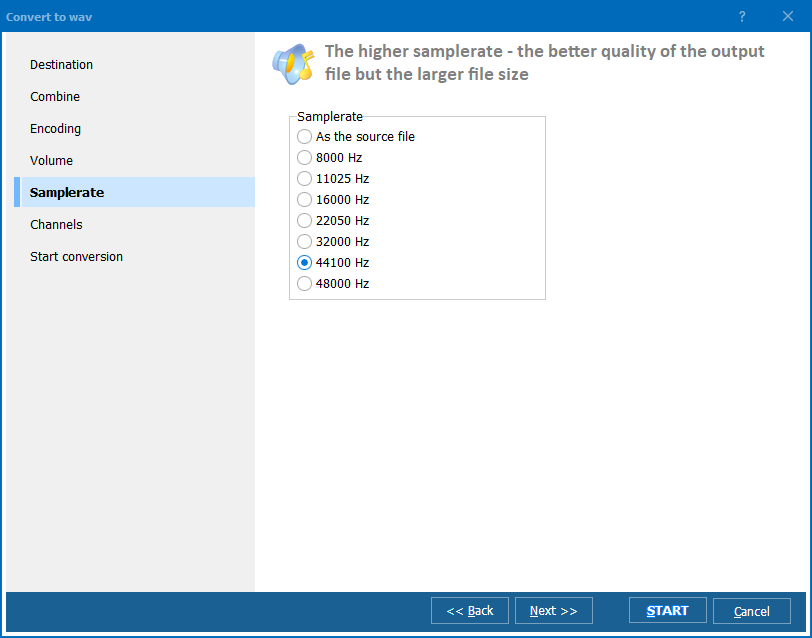
Total Audio Converter provides a user-friendly solution for converting CDA to MP3 efficiently. With Total Audio Converter, you have the flexibility to customize conversion parameters such as bitrate and frequency to achieve the desired audio quality.
Step-by-Step Guide to Convert CDA to MP3 with Total Audio Converter:
Or you could check the video guidance below:
Converting CDA to MP3 offers several advantages. Firstly, CDA files cannot be directly copied from CDs to computers using conventional file management methods. Additionally, even if you manage to copy them, CDA files typically cannot be played directly on your computer. By converting them to MP3, you ensure compatibility with a wide range of devices and media players.
| Advanced Features | Description |
| CD Ripping and Conversion | Total Audio Converter offers advanced CD ripping capabilities, allowing users to convert CDA files from CDs to MP3 format efficiently. This ensures compatibility and accessibility of audio files across various devices and platforms. |
| Customizable Conversion Parameters | Users have the flexibility to customize conversion parameters such as bitrate and frequency, ensuring optimal audio quality tailored to individual preferences. |
| Integration with FreeDB | Total Audio Converter seamlessly integrates with FreeDB, an online database of CD disks, to retrieve accurate MP3 tags. This feature enhances organization and metadata retrieval for a streamlined music management experience. |
| Wide Compatibility | MP3 format is universally supported by all known audio applications, including the standard Windows Media Player, as well as modern cell phones. Total Audio Converter ensures compatibility across various devices and platforms. |
| Feature | Available |
| Convert CDA to MP3 | ✓ |
| User-friendly interface | ✓ |
| Customizable conversion parameters | ✓ |
| Edit and enhance MP3 files | ✓ |
| Compatibility with Windows OS | ✓ |
| Support for Windows 11 | ✓ |
| Conversion of multiple audio formats | ✓ |
| Free trial/download | ✓ |
| Purchase option | ✓ |
(includes 30 day FREE trial)
(only $59.90)

© 2025. All rights reserved. CoolUtils File Converters
