Logo
Home Products Support Contact About Us
arrow1 File Converters
arrow1 TIFF and PDF apps
arrow1 Forensic
arrow1 Freeware

How To Convert OST to EML


There is a bewildering array of email clients out there these days. Outlook, Thunderbird, SeaMonkey, Applemail, the list goes on and on. One thing is for certain though, nobody relishes the task of having to migrate data between these different options - particularly when you are dealing with a potentially huge amount of personally sensitive data.

Quick answer: To convert OST to EML, install Total Outlook Converter, let it find your OST file, select the folders and emails you want, click the EML button, choose the fields and attachment handling, then click Start. It reads OST directly and saves each message as a separate EML file that Thunderbird, SeaMonkey, and Apple Mail open natively — in one batch run, processed locally.
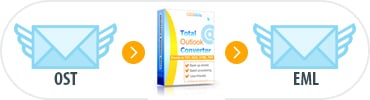
Convert OST to EML

Migrating your data - for example, when you want to convert OST to EML - will inevitably involve format switching and this is one of those classic occasions where a well chosen tool can turn a stressful chore into a simple series of steps.

Our Total Outlook Converter is well known for its ability to convert email content into a range of other formats such as DOC, PDF, JPG and HTML. What is not so well known is that it is also an incredibly handy tool to have to hand for email migrations.

If you are looking to migrate OST to EML and are scratching your head at how you are going to tackle the mountain of email lurking in your machine, Total Outlook Converter is there to save you a considerable amount of hassle.

The feature-packed program ships with a bunch of further functionality that you can employ in addition to the ability to export OST to EML format:

  • Total Outlook Converter supports contacts, tasks and meetings as well as email data.
  • Add headers and footers to appropriate output formats.
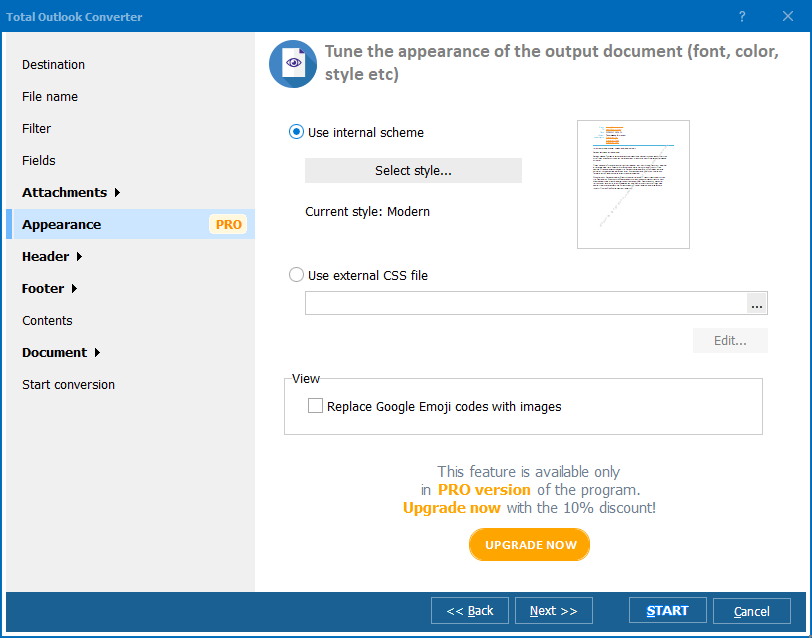
  • Take fine-grained control of your conversion by selecting only the fields you want.
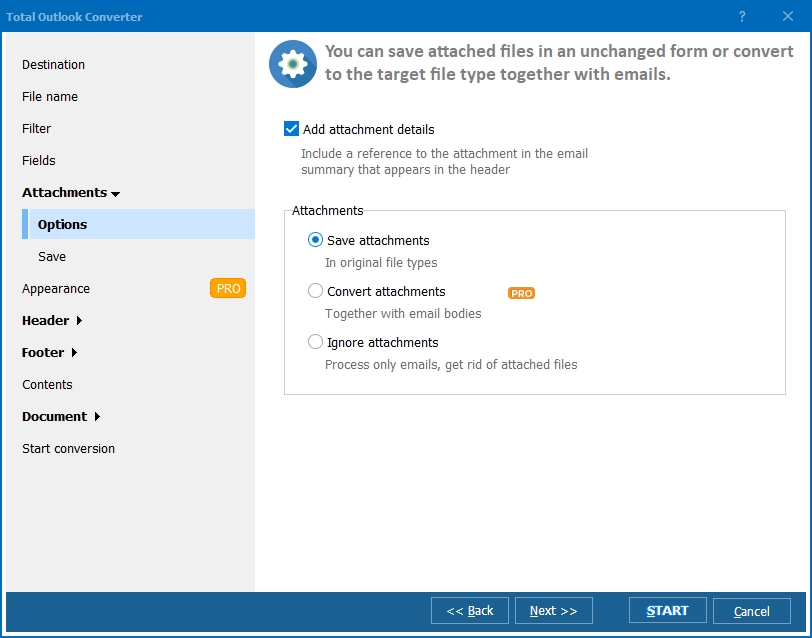
  • Handle email attachments with ease.
  • Effortlessly synchronise emails with different time formats.

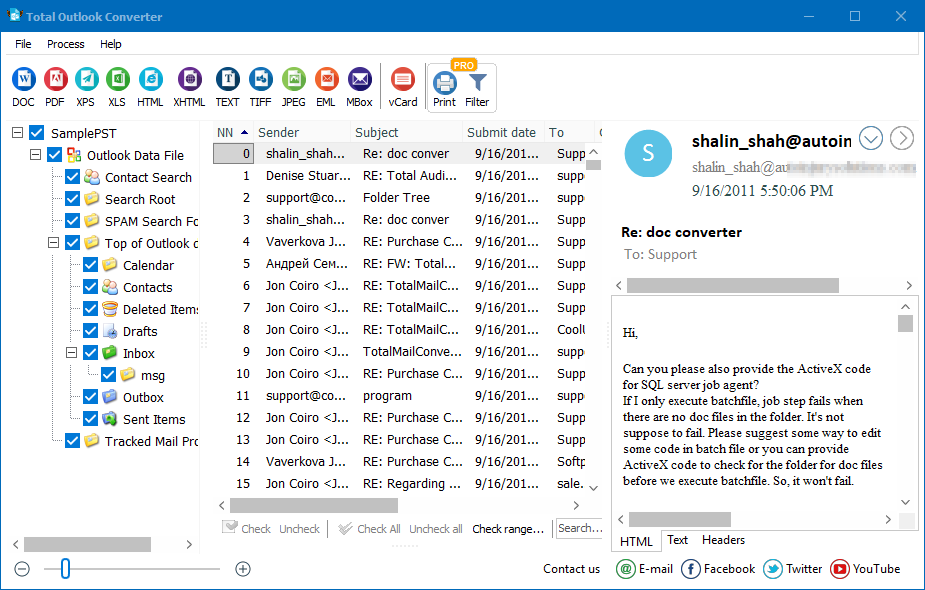
As with all of our conversion software, Total Outlook Converter can be used in two different ways. If you are a fan of standard visual interfaces, you will be delighted with the ease of use and simplicity of the desktop software. A series of wizards for common tasks and a built-in preview panel keeps you in charge at all stages. Fans of the command line, on the other hand, will appreciate the ability to call the software directly from the terminal without having to break out of their programming flow.

Total Outlook Converter is also available in a special ActiveX enabled server version that can be integrated into third-party applications.

Discover the difference our software will make to your email management and migration by downloading a fully functional, 30-day free trial today!

Windows Vista/7/8/10/11


quote

Total Outlook Converter Customer Reviews 2026

Rate It
Rated 4.7/5 based on customer reviews
5 Star

"We needed to move a batch of offline OST mailboxes into Thunderbird after retiring an old Outlook profile. Total Outlook Converter read the OST directly and saved every message as a separate EML file that imported cleanly. No live Exchange connection was needed, which was exactly the offline path we were looking for."

5 Star Nadia Popescu IT Migration Specialist, regional bank

"Clients hand me OST files from machines that no longer have Outlook installed, and I need individual EML files for analysis in SeaMonkey. The wizard let me pick exactly which folders and fields to export before starting the batch. It handled a mailbox with several thousand messages without a single dropped attachment."

5 Star Callum Bishop Freelance Email Forensics Consultant

"Migrating our old OST archives to EML so staff could open them in Apple Mail turned out to be far less painful than I expected. The click sequence from selecting folders to hitting Start matched what the site describes almost exactly. I had to double-check the attachment-handling options once before trusting the full batch run."

4 Star Wanjiru Kamau Records Officer, nonprofit organization

OST to EML — FAQ ▼

How do I convert OST to EML?

Install Total Outlook Converter, let it find your OST file, select the folders and emails you want, click the EML button, choose the fields and attachment handling, then click Start. Each message is saved as a separate EML file.

Can I convert OST to EML in batch?

Yes. Total Outlook Converter processes whole folders and thousands of emails in one run, so you can clear an entire OST archive of mail in a single operation.

Do I need Outlook installed to convert OST to EML?

No. The program reads OST files directly with its own engine, so you can migrate mail on a machine without Microsoft Outlook installed.

Which clients can open the EML files?

EML is an open standard (RFC 5322) supported by Thunderbird, SeaMonkey, Apple Mail, eM Client, Windows Mail, and many others. One EML equals one portable email message.

Does OST to EML conversion keep attachments and fields?

Yes. You select which fields to keep and how to handle attachments, and each EML preserves the headers, body, and attachments. Emails with different time formats can be synchronized.

Is converting OST to EML free?

There is a fully functional 30-day free trial with no email or credit card required. A personal license costs $49.90 for unlimited use after the trial.

Can I convert OST to EML from the command line?

Yes. Total Outlook Converter can be called directly from the command line, and an ActiveX-enabled server version is available for integration into third-party applications.


Start working now!

Download free trial and convert your files in minutes.
No credit card or email required.

⬇ Download Free Trial Windows 7/8/10/11 • 89 MB

Support
Total Outlook Converter Preview1
Total Outlook Converter Preview2
Total Outlook Converter Preview3

Latest News

Newsletter Subscribe

No worries, we don't spam.


© 2026. All rights reserved. CoolUtils File Converters

Cards