Need help? Reach us at 

 +1 (855) 418-2323
Need help? Reach us at
+1 (855) 418-2323

 File Converters TIFF and PDF apps Forensic Freeware
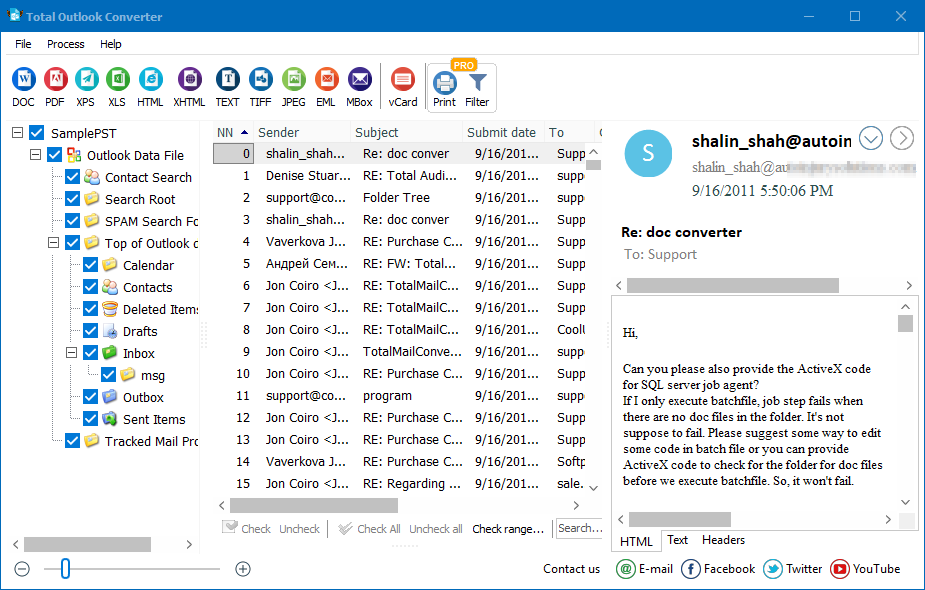
Our flagship Total Outlook Converter program is famous for the amount of non-email output formats it can handle when it comes to extracting your data. PDF, TIFF, DOC, XHTML and JPEG are all supported, in addition to numerous other formats.
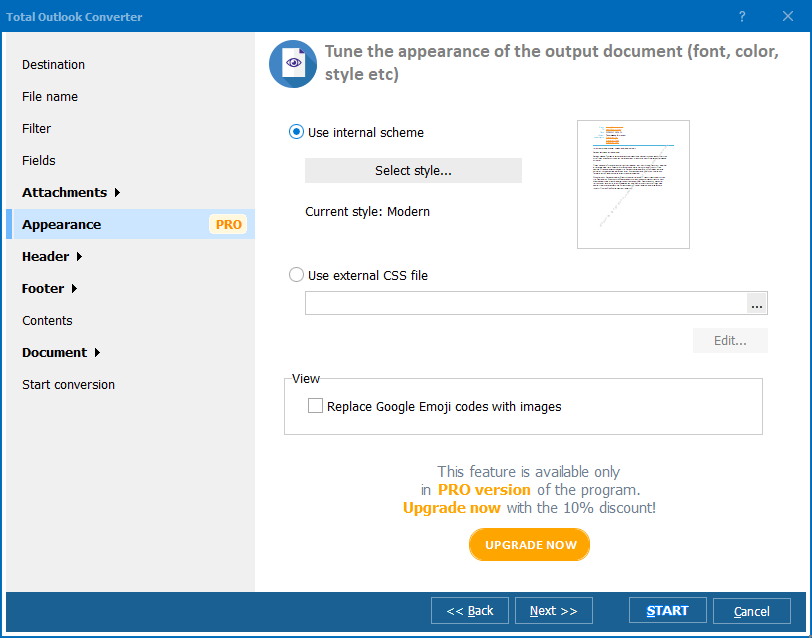
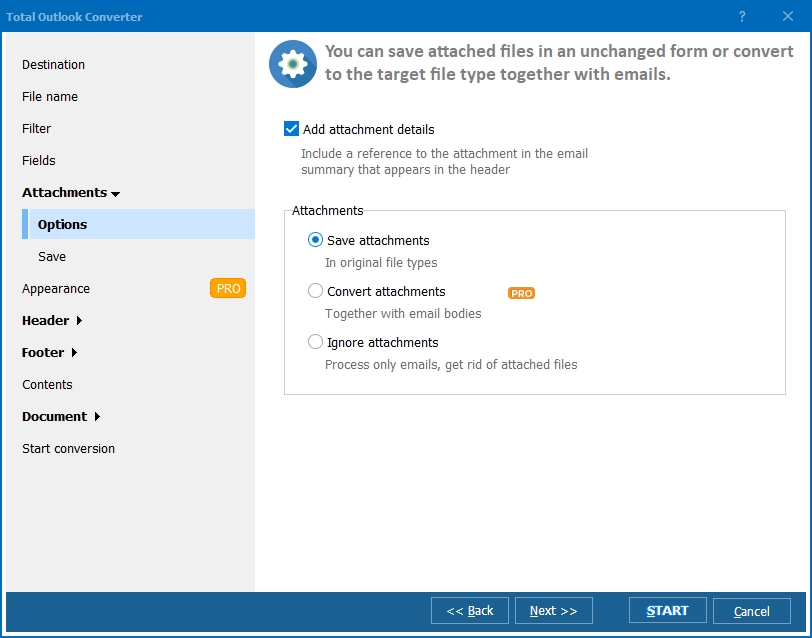
Quick answer: To convert OST to MBox, install Total Outlook Converter, let it locate your OST file, select the folders and emails you want, click the MBox button, choose the output fields and attachment options, then click Start. It reads OST directly and exports thousands of messages in bulk to MBox files that Thunderbird, Apple Mail, and SeaMonkey open natively — processed offline on your PC.

What a lot of people do not realise is that it is equally effective when it comes to migrating between mailboxes - for example, if you need to convert OST to MBox. These days, of course, it is all too common for people to have multiple mailboxes, even within their company accounts.
If you need to migrate OST to MBox then you are probably talking about dealing with thousands of files so the need for a dedicated tool that can handle bulk processing is essential.
In addition to helping you export OST to MBox format, Total Outlook Converter also boasts a wide range of features that can help you with common conversion tasks:
Whether you are looking to migrate your inboxes or export their contents to a particular format, you have two basic choices in terms of how you use Total Outlook Converter. Power users can bend the software to their will directly via the command line where a few keystrokes is all that is required. Those more comfortable with a screen-based approach will find Total Outlook Converter's intuitive GUI a breeze to use.
The software is also available in a version that can be integrated directly into your own application in the form of the ActiveX-enabled server license.
We have been developing our comprehensive range of conversion solutions for over a decade and you will struggle to find a more powerful solution than Total Outlook Converter at anything remotely resembling its affordable price.
Do not just take our word for it though. Download a 30-day free trial and discover the software's power for yourself before purchasing!
"A client wanted to leave Outlook behind entirely and move a large offline OST mailbox into Thunderbird. Total Outlook Converter exported thousands of messages in bulk to MBox files that Thunderbird opened without any import errors. Everything ran offline on the client's own PC, which mattered for their data-handling policy."
 Peter Halvorsen IT Consultant, Halvorsen Systems
"We needed to migrate a donated researcher's OST archive into MBox format for long-term preservation in our SeaMonkey-compatible reading room setup. The batch conversion pulled out the full folder structure with the output fields we specified. It handled a mailbox far larger than the small test file I first tried it on."
Yolanda Ferreira Digital Archivist, university library system
"Moving OST mailboxes to MBox so Apple Mail users can inherit their old Windows-based Outlook history is now a routine part of my Mac switch projects. The one-click batch conversion handles most jobs without any hand-holding. Very large OST files occasionally need the attachment options double-checked before the final export."
 Tobias Lindqvist Freelance Mac Migration Specialist
Download free trial and convert your files in minutes.
No credit card or email required.