Need help? Reach us at 

 +1 (855) 418-2323
Need help? Reach us at
+1 (855) 418-2323

 File Converters TIFF and PDF apps Forensic Freeware
Total Outlook Converter is one of the most powerful file conversion utilities to convert PST to DOC available today. It incorporates several advanced functions, which makes processing large amounts of emails an easy task.
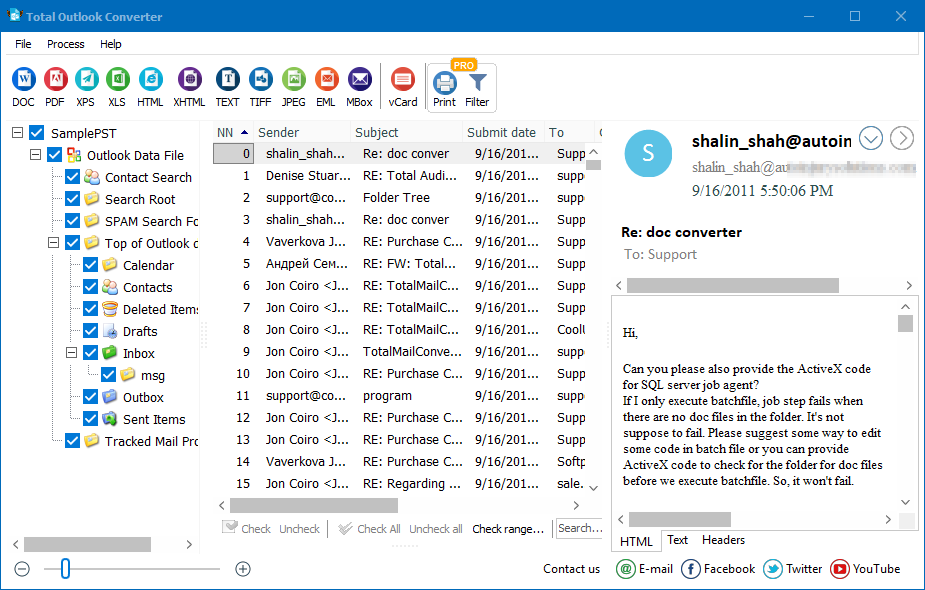
Quick answer: To convert PST emails to DOC, install Total Outlook Converter, pick a folder from the tree (Inbox, Sent Items, and so on), check the messages you want, click the Doc button in the toolbar, then use the wizard to set the destination and start. Each email becomes a Word file, or several can be combined into one Doc, all in one offline batch.
Total Outlook Converter permits you to save your emails in DOC instead of storing them in the bulky and insecure PST format. Now you can store your entire business correspondence conveniently in the format that can be opened by any text viewer. You can refer to it any time you want without any email client.
Total Outlook Converter features a robust interface laid out in such a way that even a novice can figure out how to convert PST to Word within minutes. The program features a use-friendly automatic wizard.
Converting outlook email to DOC is an easy game. All you need to do is select the folder from the folder tree: Inbox, Outbox, Sent Items, etc. Once you have selected the folder, a list of messages contained in it will appear on the screen. Now you should specify the messages you wish to convert. Please, check one or more messages. Then click Doc in the toolbar in the upper left-hand corner of the interface.
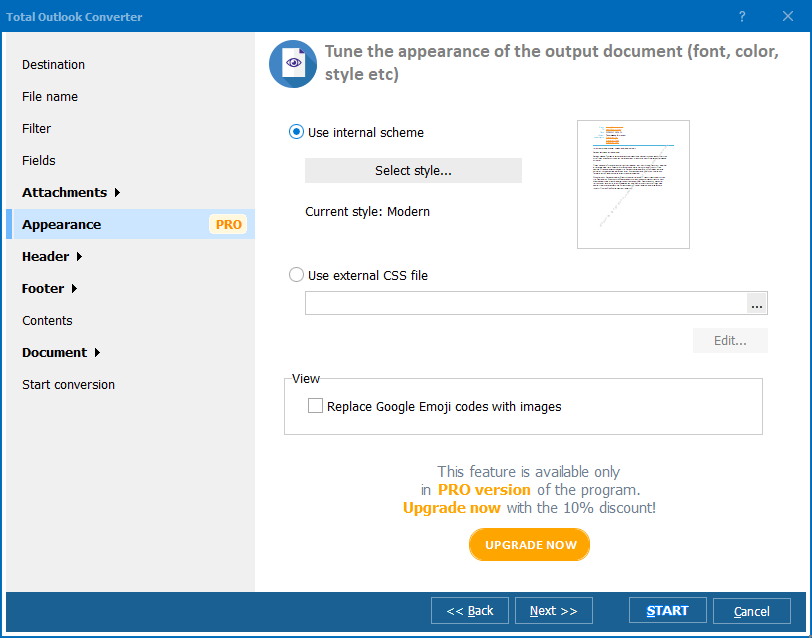
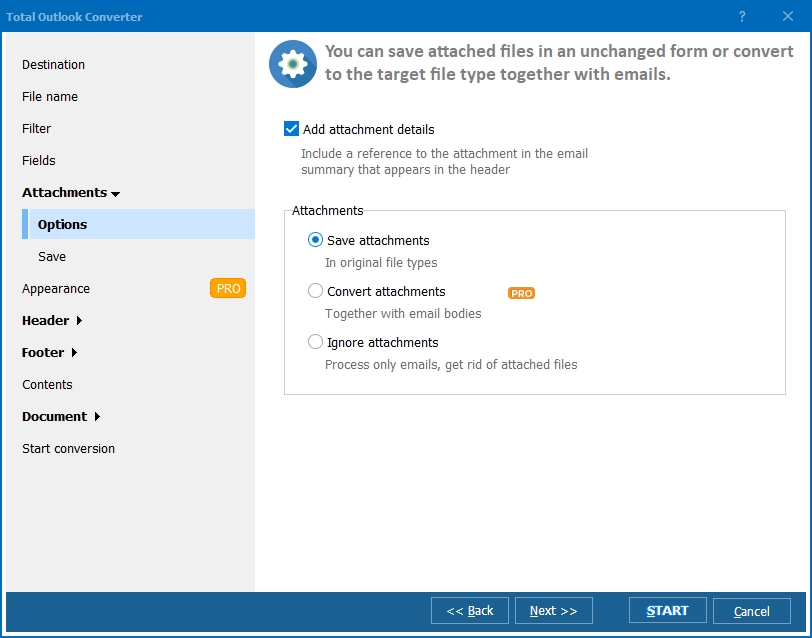
The program wizard will help you adjust your settings and select your destination folder. You can save every message in Word format or combine several messages into one Doc file. Total Outlook Converter also converts emails to PDF, TXT, HTML, and TIFF as well.
This email converter features command line support, by aid of which you can launch the program from within any other utility. GUI version is also available.
Total Outlook Converter is shareware. It is available for online purchase. You can either buy it right now or try the 30-day demo version. Valid for 30 days, the trial version will help you understand how to handle the program. Long enough to get the feel of the program's effectiveness! Once you have purchased the tool, you are entitled to free tech support and upgrades.
Windows Vista/7/8/10/11
"For a discovery request, we had to convert PST emails to DOC files that opposing counsel could review and annotate in Word. Total Outlook Converter picked emails right from the folder tree and produced a DOC file per message, with an option to combine several into one document for filing."
 Eleanor Whitmore Legal Assistant, Whitmore & Bryce Law Group
"Processing large amounts of emails used to eat up entire afternoons before we found Total Outlook Converter. Converting PST to DOC now runs through the wizard in a fraction of the time, and it handled a folder of several thousand messages without slowing down."
Rajiv Malhotra IT Operations Lead, Malhotra Manufacturing Group
"My director wanted a full quarter of PST emails converted to DOC so they could be edited and forwarded as reports. Total Outlook Converter checked off the messages I needed and combined them into one Doc file exactly as I wanted. A saved-preset feature for repeat jobs would save extra clicks."
 Sofia Marinelli Executive Assistant, Marinelli & Co
Download free trial and convert your files in minutes.
No credit card or email required.

Related Topics
Convert PST to TIFF

