Need help? Reach us at 

 +1 (855) 418-2323
Need help? Reach us at
+1 (855) 418-2323

 File Converters TIFF and PDF apps Forensic Freeware
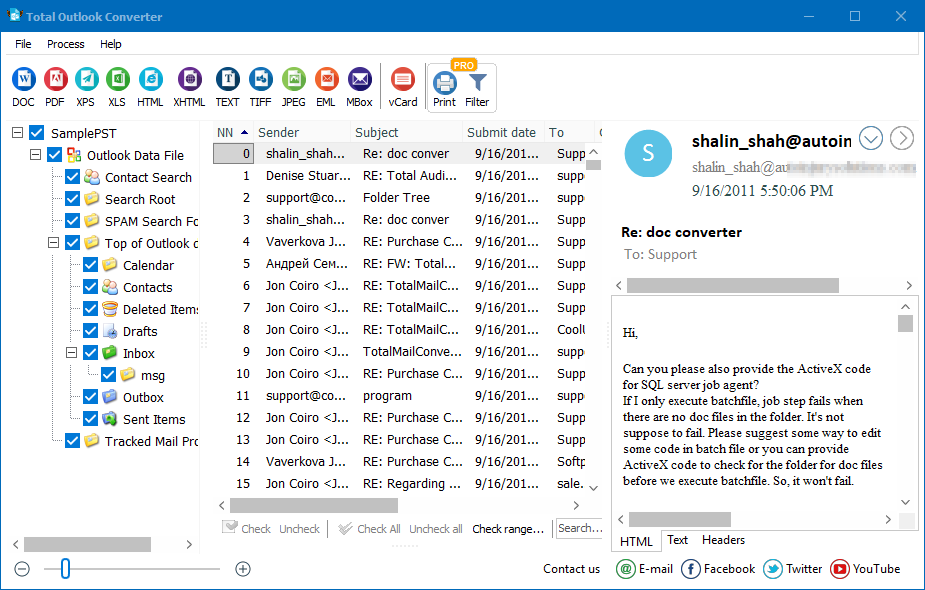
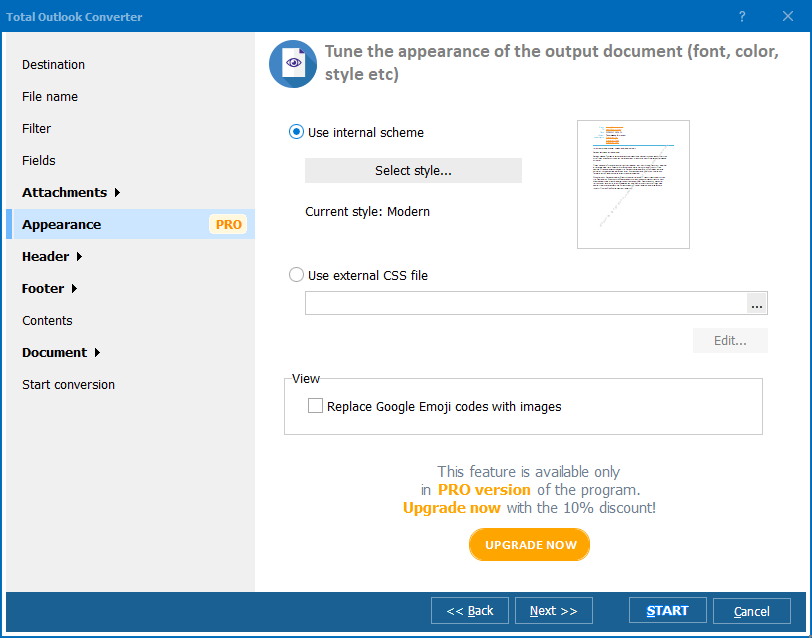
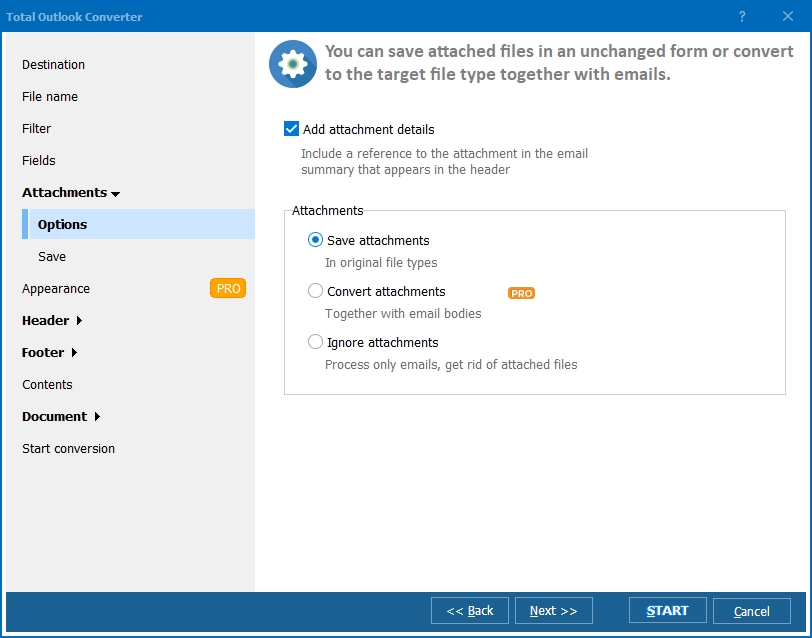
Quick answer: Total Outlook Converter Pro writes Outlook messages out as plain text files. Click the mail folder in the tree, tick the messages, then use the wizard to set the destination, the file name template, which fields to export and how attachments are handled: saved separately, kept inside the message, or unpacked from archives. Press Start and the whole batch converts.
It is no secret that the more emails you have on your PC the more likely you are to get confused. You can simply get lost in your business correspondence. This can duff up your business very badly. Total Outlook Converter Pro will save you all that trouble. With this versatile tool at hand, you can convert your messages to Text in a matter of seconds and group them in a separate folder in your chosen order. Thus you will know where a message lies when you need it.
This Pro version of usual Total Outlook Converter allows you to convert emails with attachments to text and save attached files either as separate ones or as part of the message you are converting. Featuring a clear and easy-to-follow interface and a highly functional wizard, it poses zero difficulty for even newbies.
For those who are not sure if what we say is true, there is a free 30-day demo version of Total Outlook Converter Pro. You can download it for free and spend a month converting Outlook emails with attachments.
Everyone can use this program, regardless of experience. The procedure is quite standard and is defined by the interface and the wizard.
If you have used the free demo version and would like to buy the license version, you can do it immediately. You will be receiving free tech support for one year from purchase date.
Windows Vista/7/8/10/11
"Our business correspondence had grown into a confusing mess of thousands of emails, and I needed them converted to Text with attachments saved separately for a document review. Total Outlook Converter Pro grouped everything in a chosen order in a matter of seconds, so I always know exactly where a message sits."
 Miriam Katz Legal Secretary, Katz & Warner Attorneys
"We converted emails with attachments to text and kept the attached files as separate items rather than merged into the message body, which is exactly what our filing system needed. The Pro version handled the whole batch without a single mismatched attachment."
Thabo Nkosi Records Clerk, Nkosi Municipal Offices
"Grouping converted Text files with their attachments in a separate folder made searching our old correspondence much faster. It took me a moment to find the setting for saving attachments separately versus embedded, but once set the batch ran smoothly."
 Elena Voronova Office Manager, Voronova Import Export
Download free trial and convert your files in minutes.
No credit card or email required.

Related Topics
Convert Outlook to Text

