Need help? Reach us at 

 +1 (855) 418-2323
Need help? Reach us at
+1 (855) 418-2323

 File Converters TIFF and PDF apps Forensic Freeware
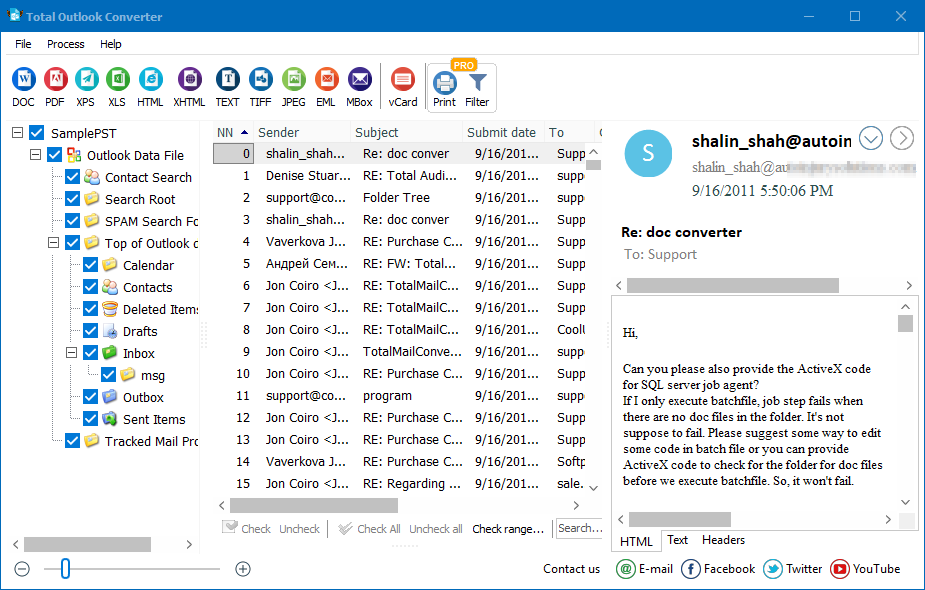
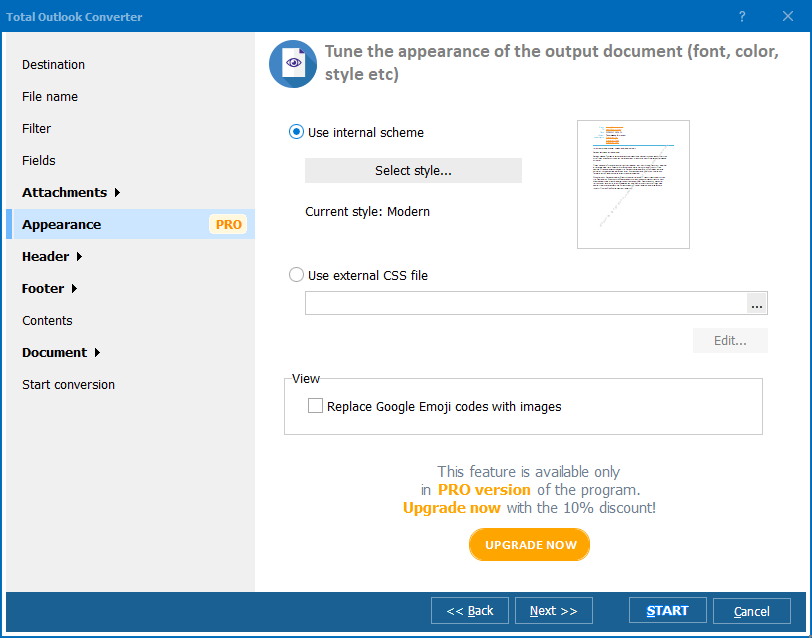
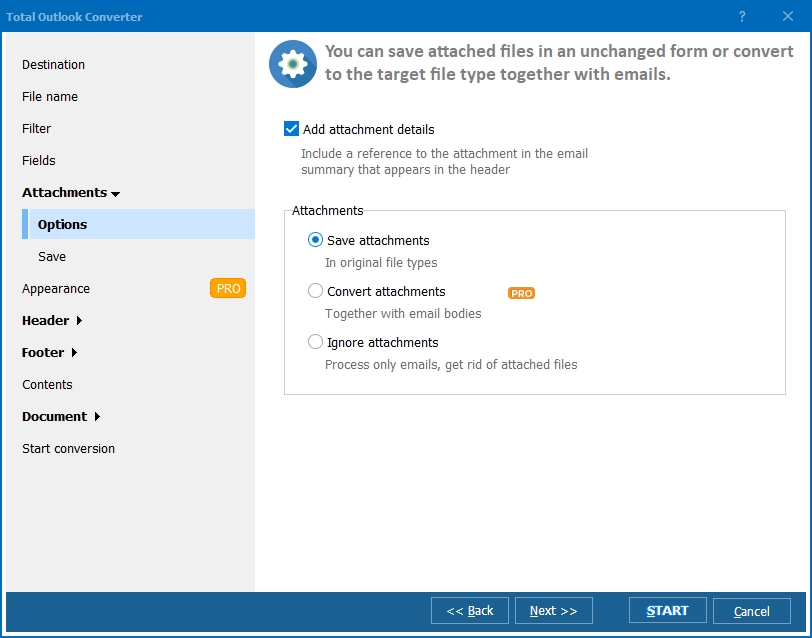
Quick answer: Run Total Outlook Converter, click the folder of Outlook messages in the tree, tick them or press Check All, then select ODT in the target format toolbar. The wizard sets the destination path, the fields to export, attachment handling and page size before you press Start. A hundred messages become OpenOffice documents in one pass.
Total Outlook Converter was developed to save your time, energy and money. It presents a brilliant array of functions, which allow you to automate conversion process. All work is done by the program itself. All you do is sit and watch and make minor adjustments.
Batch function allows you to process a multitude of Outlook messages without any risk of loss or corruption. Therefore, you can use this program to archive your business correspondence. This converter is good for those who use OpenOffice instead of Microsoft Office.
With Total Outlook Converter, you can convert Outlook to ODT and other formats (PDF, TXT, RTF, TIFF, HTML, XHTML). You do not need to be lectured on how to do that. Just view the interface and follow it. The wizard presents an array of settings, which you can adjust according to your preferences or leave as they are.
It's a matter of minutes to convert Outlook to Open Office. Follow these simple steps:
Download this converter from our official website and check its functionality right now!
Windows Vista/7/8/10/11
"Our whole office runs OpenOffice instead of Microsoft Office, and we needed years of Outlook correspondence saved as ODT for our records. The batch function processed a multitude of messages without any loss or corruption, and I just had to sit back and watch it finish."
 Isabelle Moreau Office Administrator, Moreau & Associates
"We archive donor and staff correspondence in OpenDocument format for long-term storage, and Total Outlook Converter batch-converts Outlook emails to ODT alongside PDF and TXT with no manual intervention needed. It automated a task that used to take our team an entire afternoon."
Gabriel Nunes Archivist, Nunes Public Library
"Converting a backlog of client emails to ODT for our OpenOffice-based filing system went smoothly and the batch mode handled everything overnight. A quick preview of formatting before conversion would help catch odd layouts, but the output itself was clean."
 Priyanka Deshmukh Administrative Officer, Deshmukh Legal Services
Download free trial and convert your files in minutes.
No credit card or email required.

Related Topics
Convert Outlook to Text

