Need help? Reach us at 

 +1 (855) 418-2323
Need help? Reach us at
+1 (855) 418-2323

 File Converters TIFF and PDF apps Forensic Freeware
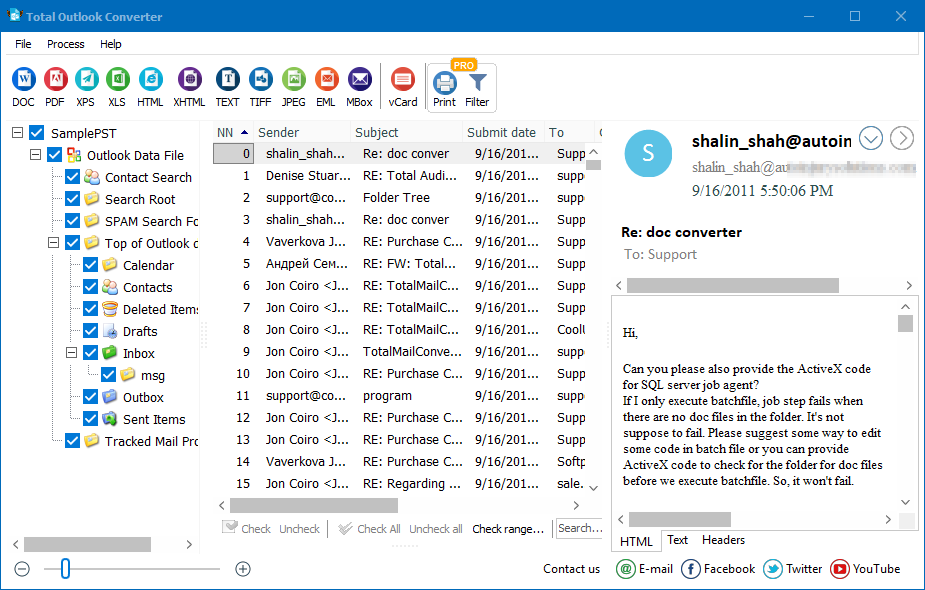
Quick answer: Total Outlook Converter saves Outlook mail as XHTML you can open in any browser. Install it, select the Outlook folders or files you want, set XHTML as the target format and click Start. It reads OST, PST and Outlook itself, converts emails in batch, and keeps attached files in their original formats beside the results.
If you want to view email messages stored in Microsoft Outlook via a web browser, you should convert Outlook to XHTML. CoolUtils is happy to present Total Outlook Converter, its unique solution for conversion OST, PST and Outlook emails to XHTML, DOC (WORD), PDF, HTML, XHTML, TXT, TIFF, JPEG, and EML in batch.
You are guaranteed to easily save Outlook emails as XHTML even if you've never before used email converter. The interface of Total Outlook Converter is so simple that even beginning users can master it in seconds.
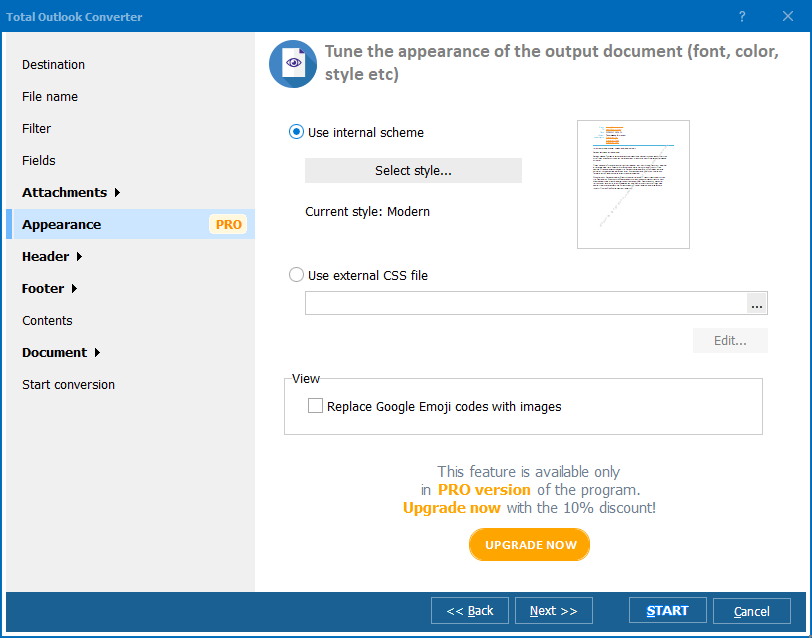
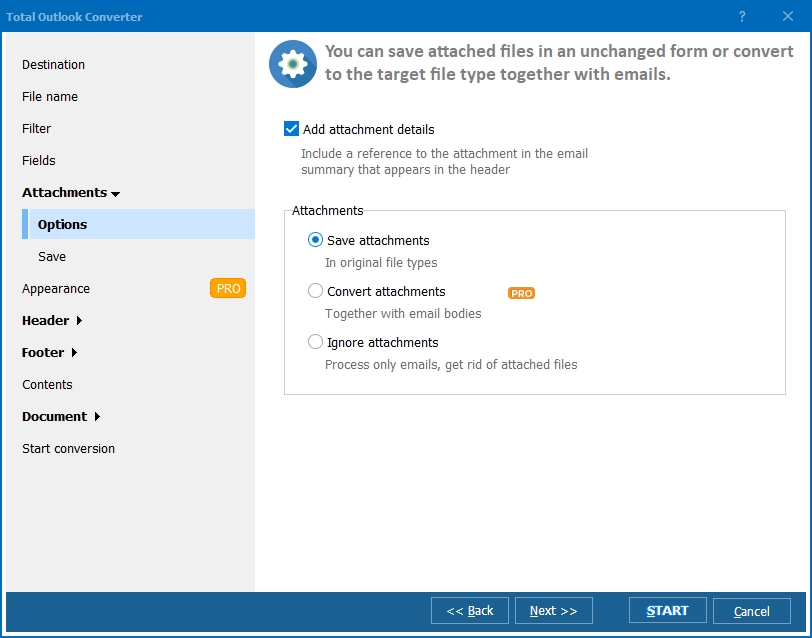
With Total Outlook Converter, you can convert emails in batch saving time and nerves. Also, this program allows to add headers and footers (date, page numbers, ant notes), encrypt output documents, and much more! Normally the converter keeps the attached files in their iriginal formats, just places them to a new or the same folder with the resulting emails. However, you may want to convert attached files as well. In this case consider trying Total Outlook Converter PRO.
All you need to do to convert Outlook to XHTML using CoolUtils Outlook XHTML converter, is:

Download a free 30-day trial version of Total Outlook Converter and test it on your files. When you are ready, place an order and we will send you the key to unlock the full potential of Total Outlook Converter immediately. We accept all credit cards, PayPal and many local payment systems.
Windows Vista/7/8/10/11
"We wanted to publish an archived set of Outlook emails so staff could view them through a web browser, and converting to XHTML was the obvious route. Total Outlook Converter batch-converted the whole PST in seconds and kept the formatting and structure intact across every message."
 Beatrix Hoffmann Web Content Coordinator, Hoffmann Media Group
"I had never used an email converter before this and expected a steep learning curve. The interface was so simple that I saved a batch of Outlook emails as XHTML on the first attempt, headers and footers with dates included, without reading a manual."
Rodrigo Salgado First-time User, Salgado Freelance Design
"Converting Outlook emails to XHTML in batch saved a lot of time compared to opening messages one by one and saving them manually. Adding date and page headers took a little exploring in the settings, but the batch output was consistent across the whole folder."
 Ngozi Adeyemi Office Administrator, Adeyemi Trading Company
Download free trial and convert your files in minutes.
No credit card or email required.

Related Topics
Convert Outlook to Text

