Need help? Reach us at 

 +1 (855) 418-2323
Need help? Reach us at
+1 (855) 418-2323

 File Converters TIFF and PDF apps Forensic Freeware
Do you need to integrate PDFs into desktop or server applications? We have a unique solution. It works directly from the command line, so there are no wizards or pesky notifications. Total PDF Converter is a leading software development kit due to its power and versatility.
Transform as much data as you need - there are no limits. Just enter the command for the task and let this PDF to Unicode converter do its job. All of its features are based on simple coding, so they may be easily integrated into your app. This tool is a great time saver. It is also multifaceted - use it as:
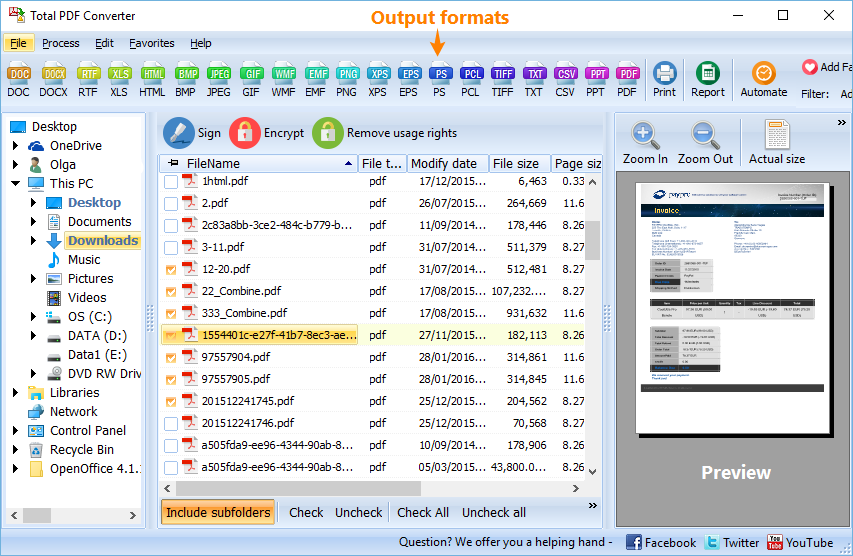
Quick answer: To convert PDF to Unicode from the command line, install Total PDF Converter, then run pdfconverterx with the source PDF, the destination file, and the optional keys for Unicode output. The same syntax works on a server with no GUI, and the batch function turns hundreds of PDFs into Unicode text in one run during the free trial.
This PDF to Unicode converter was designed for use by groups connected to one server. It offers the same functionality as the desktop version, and you can add your own GUI if necessary. This means you will be able to generate over a dozen different formats, from documents to images to spreadsheets: CSV, DOC, DOC text, EPS, HTML, JPEG, PDF/A, PS, RTF, TIFF (including batch conversion), TXT, WMF, XHTML, and XLS.
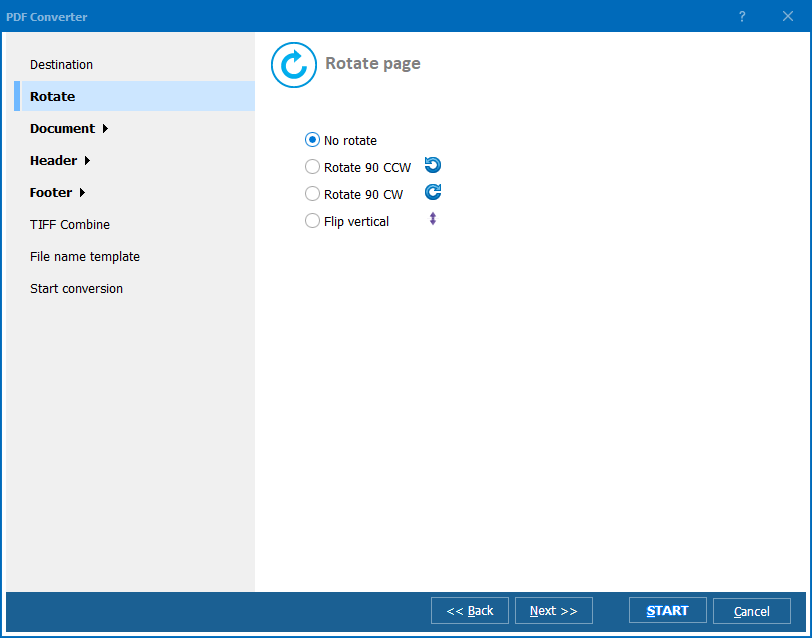
So, how does server-based conversion work? We have made it as flexible and efficient as possible. Here are the essentials.
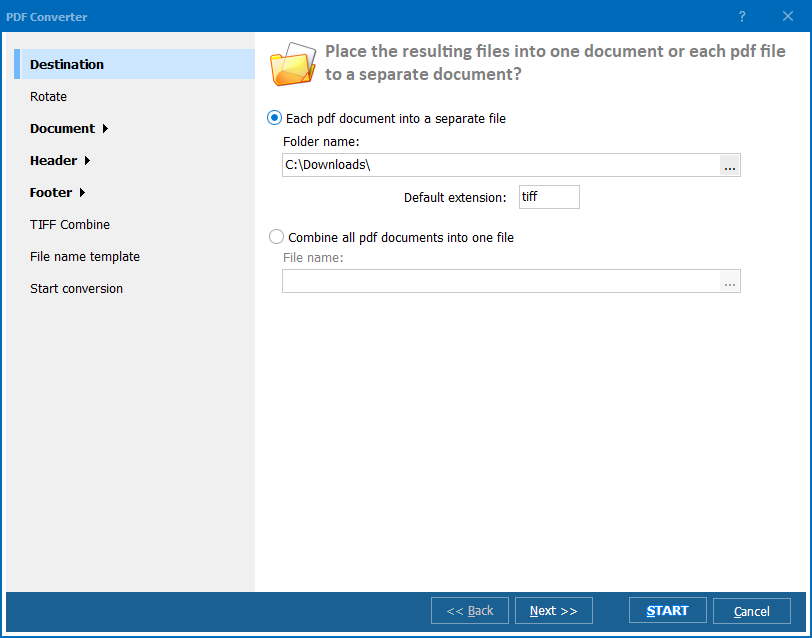
Using our 30-day trial period, you can convert PDF to Unicode for free. Download it today and transform as many files as you like! This SDK is the most versatile solution. Integrate it into your app and convert your documents within it. Turning PDF into Unicode is a breeze, with or without GUI! Besides, the lifetime license is a bargain!
Download free trial and convert your files in minutes.
No credit card or email required.



Related Topics
Total PDF Converter